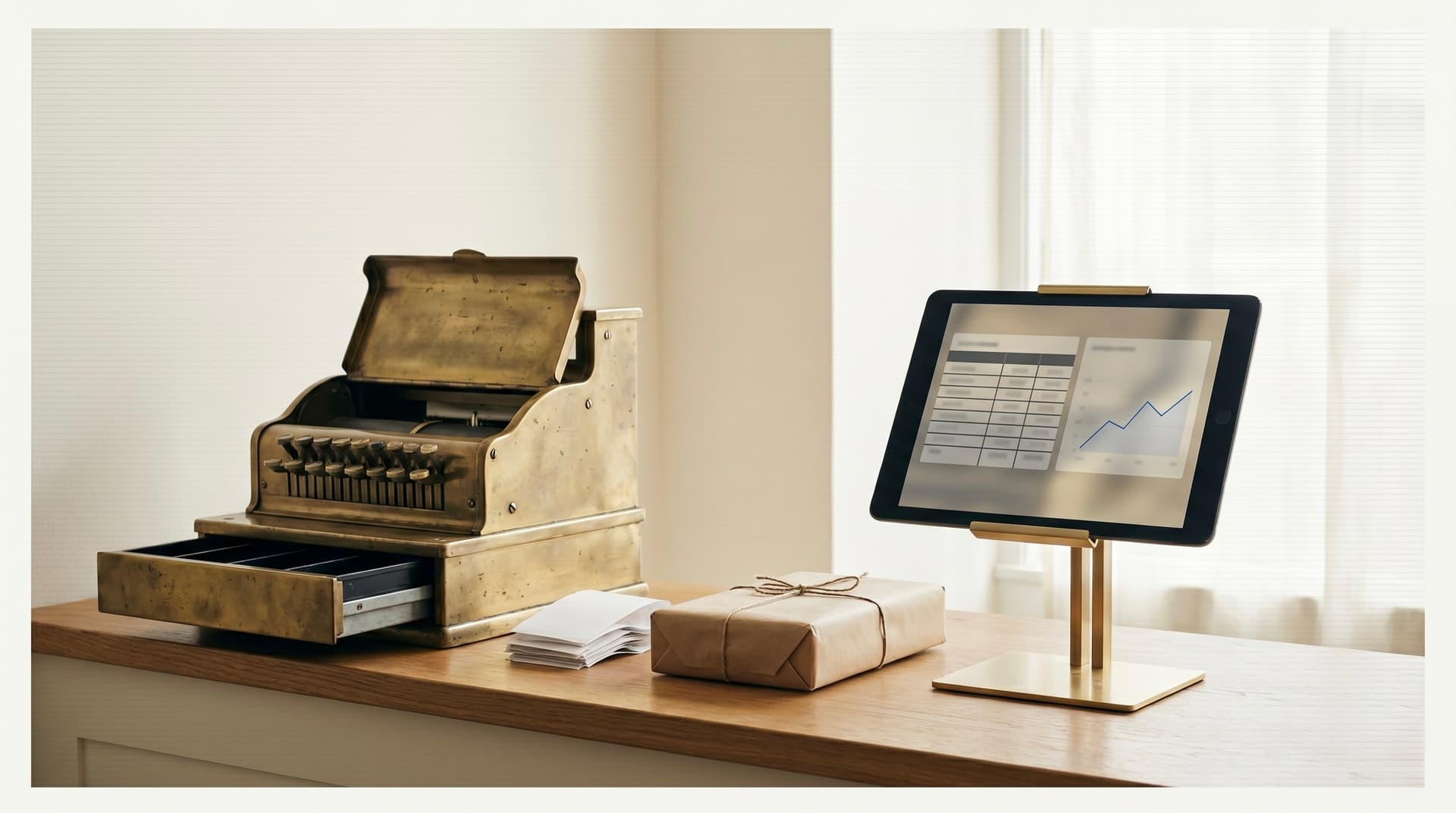
When WooCommerce works fine
WooCommerce is one of the cheapest ways to run a UK e-commerce shop and for thousands of independents it is the right answer. A small product catalogue, a single channel, a shop owner who lists each product carefully — WooCommerce handles that for years without complaint.
Friction appears when the shop grows past what one person can keep in their head.
The two signs the fit has gone
The first sign is stock drift. The till has a number. The website has a different number. Marketplaces, if you're on any, have a third. Nobody fully trusts any of them, so the shop counts manually on Sunday evenings and updates everything by hand. Every customer order risks selling something that physically isn't on the shelf. Every reconciliation eats an hour the shop owner should have spent on listings, suppliers, or customers.
The second sign is listing latency. New stock arrives from a supplier on Tuesday. By Friday it's on the shelf. By the following Tuesday it's on the website — sometimes. The reason is that turning a supplier's CSV into a proper product page is slow work. Photos, descriptions, attributes, categories, all typed by hand. The shop sells in-store the moment a product hits the shelf and online a week later, which means the website is permanently a week behind the shop. For most independents, that gap is the difference between £20k a year online and £200k.
If both of those describe your shop, WooCommerce has stopped fitting. If only one does, you might be a workflow tweak away from another year on the platform.
What "cloud POS" means here
The phrase gets used loosely. In this context it means a single product database that powers the till, the website, and any marketplace channels — usually delivered as a hosted application your shop logs into rather than software you install. Square, Lightspeed Retail, Shopify POS, Vend (now Lightspeed X-Series), and Cin7 are the common UK choices. They differ on stock model, marketplace integrations, payment fees, and how customisable the public website is. Pick on the shop's product mix, channel plan, and how the public website needs to look.
The structural change is the database. With WooCommerce on its own, the stock count on the website is one record; the stock count on the till is another record; reconciling them is your problem. With a cloud POS that owns both fronts, there is one record. What sells in-store updates online instantly. What sells online drops out of the in-store stock the second the customer pays. The reconciliation step you used to do on Sunday evenings stops existing.
The website usually still looks like a website — most cloud POS systems have themes, templates, custom domains, the lot. The difference is what's underneath.
What changes after the migration
Three things, ranked by how often they pay back the move:
One stock truth. Sell something in-store and the website knows. Sell something online and the till knows. Stop reconciling. This alone usually justifies the platform fee for most retailers we work with.
Faster listings. A new product gets created once on the till and is live everywhere. With AI now widely available, supplier feeds can be pre-processed into proper listing copy automatically — supplier code in, SEO-aware product page out, in seconds. Twenty minutes of typing per product becomes a few seconds of review. The bike shop in our case study used this pattern to take new ranges live the day they arrived.
Channel reach without channel chaos. Adding a marketplace — Amazon, eBay, Etsy — stops being a separate system to keep updated. The cloud POS pushes the same stock count and listing data to every channel. You go from "we don't sell on Amazon because we couldn't keep it in sync" to "we sell on Amazon because the platform handles the sync."
What it doesn't fix
A new platform doesn't replace the work of running a shop online. You still need photos that don't look like phone snaps, descriptions that read like a human wrote them, and either a marketing budget or a content cadence to drive traffic. The platform makes those investments worth more — a properly listed product on a kept-in-sync site converts better than the same product on a stale one — but the platform on its own won't bring traffic.
The migration also doesn't recover the SEO of pages you bin. URLs change unless you plan otherwise; redirect maps from the old WooCommerce URLs to the new ones are part of any migration worth paying for. Skipping that step is the single most common way a migration loses money in the short term.
A migration path that doesn't close the shop
Most independents can't afford a closed-for-install week. The pattern that works:
- Stand up the cloud POS in parallel. Import the product database. Run a single till on it for a couple of weeks while the old WooCommerce stays as the public website. Catch the data-shape problems with no live website risk.
- Build the public website on the new platform behind a holding URL. Style it to match the brand. Test checkout end to end with real card runs.
- Cut over the till fully. Let the team run on the new till for a fortnight before switching the website.
- Switch the public website. The DNS change is the moment the new system is live to customers; everything before it has been rehearsal.
- Map every old URL to its new equivalent so search traffic and back-links don't drop into 404s.
A typical UK independent retailer with a few hundred SKUs runs this in four to six weeks, with the actual public switchover taking an evening.
When to stay on WooCommerce
If the shop has one channel, a stable product range, and a person who enjoys keeping the website current, WooCommerce is fine. The migration costs real money and a few weeks of distraction; the payback comes from removing real friction. No friction, no payback.
The honest signal that it's time is when the weekly cost of keeping WooCommerce honest — in your time, your team's time, or both — is bigger than the monthly cost of the platform that would remove the friction. Most independents cross that line somewhere between £30k and £80k of annual online sales. Below that, the case is harder. Above it, the case usually makes itself.
If you're not sure where you sit, the simplest test is a stopwatch. Time the next stock reconciliation, the next supplier-feed listing session, the next marketplace sync. Add it up across a typical month. If the number surprises you, you have your answer. Replatforming builds like this are what we do.