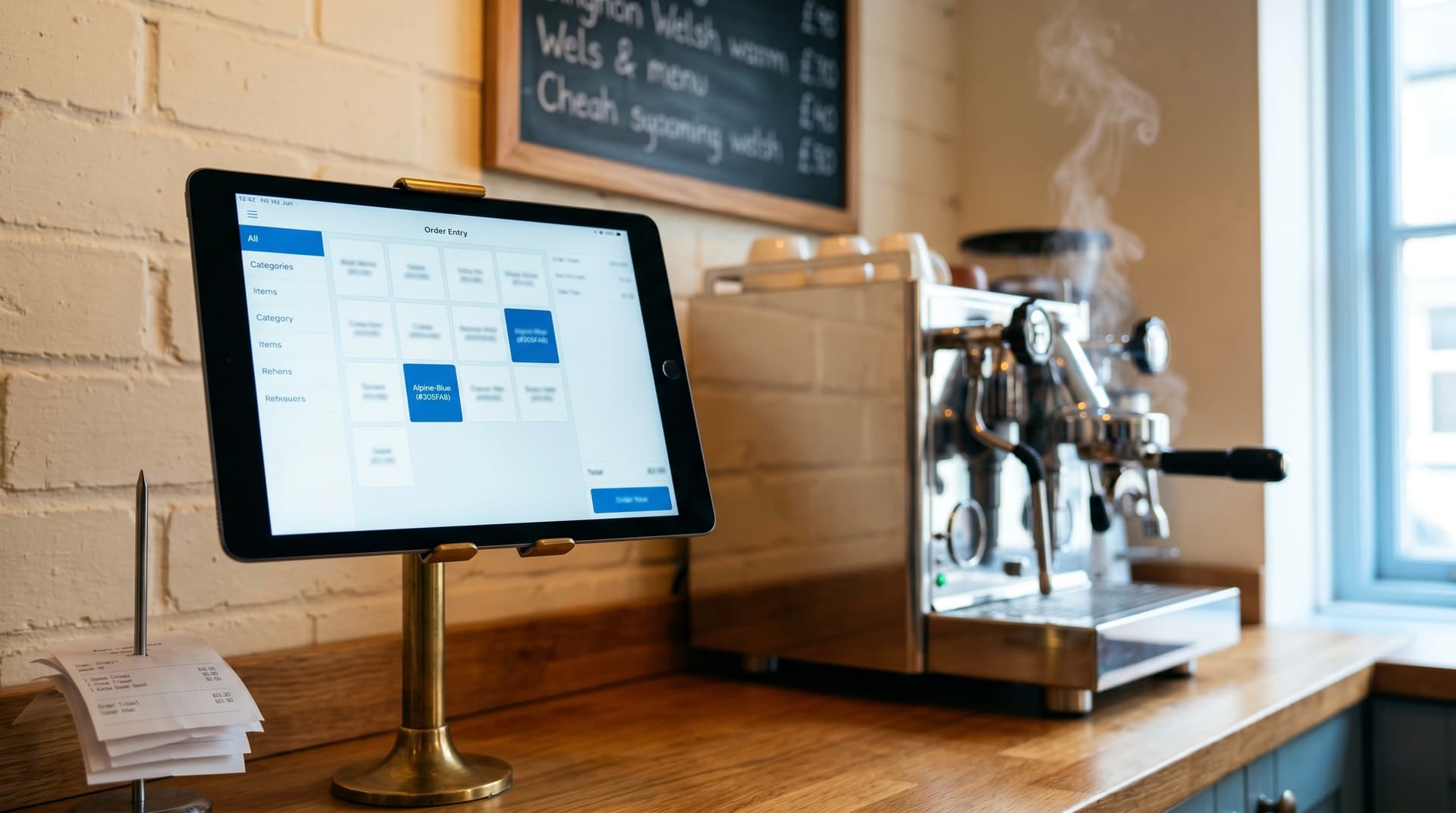
The problem is rarely "we need iPads"
A café owner asks for an iPad ordering system because the staff have suggested it. The pitch sounds simple: orders go in on a tablet at the table, the kitchen sees them on a screen, no more paper, no more handwriting nobody can read.
That is the surface problem. Underneath it is almost always one of three:
- The kitchen is plating in ticket order, not table order. Two-tops are getting their starters and mains in the wrong sequence, or one person at the table waits five minutes longer than the other.
- Ticket times are wildly inconsistent, and no-one knows why some Tuesdays are bad and some are not.
- Front-of-house and the kitchen blame each other when something goes wrong, and there is no single record of what was actually ordered, when, by whom.
iPads at the table do not fix any of those on their own. They fix them only when paired with a kitchen-side system that orders the work — sequences dishes by table, by prep time, by allergen, so the right plates land together.
What good kitchen-side software actually does
The iPad on the floor is the easy part. Most modern UK EPOS products — Square, Zettle, Lightspeed, Toast — handle front-of-house ordering perfectly well. Where they vary, and where most café headaches live, is the kitchen view.
A good kitchen view does at least four things:
- Groups dishes by table so the kitchen plates a round together rather than picking off tickets in arrival order.
- Tracks per-dish prep time so the longer items start sooner and the round comes out together.
- Flags allergen and modifier instructions at the dish, not in a footnote that gets missed.
- Records what happened, in order, so end-of-shift you can see which dishes consistently bottleneck and where time is being lost.
Off-the-shelf EPOS will give you most of the first two. The third is variable. The fourth is usually weak — if it exists at all, it is buried in reports nobody opens.
When off-the-shelf is enough
For a café doing under ~100 covers a service, a single section, and a menu under thirty dishes, a standard EPOS with a kitchen display will probably do the job. The wins from a custom build are not big enough to justify the cost.
The owners who benefit from a custom kitchen-side build tend to share two or three of these:
- Multiple sections producing for the same tables — coffee bar, brunch kitchen, and a counter selling pastries that all need to land at the same time.
- High peak intensity where the queue gets so deep mid-service that the order-of-arrival approach actively hurts table experience.
- Menu complexity — items with non-trivial modifications, dietary swaps, or made-to-order builds where the kitchen needs more than a one-line ticket.
- Reporting needs the owner actually uses — making menu and staffing decisions on data, not feel.
If you have one of those problems, the off-the-shelf kitchen display will probably feel almost-right but slightly off. That feeling is real; it is the system not fitting your specific bottleneck.
A real example
We built a kitchen-side system for a UK café that was hitting the multi-section pattern: brunch kitchen, coffee bar, and a hot snack counter all needing to land plates together for the same table. Standard EPOS treated each section as its own queue, which meant tables often got their coffee five minutes after the food had gone cold.
The custom build did three things:
- Treated the table, not the section, as the unit. The kitchen view showed each table's full round, with the slowest item driving start time across all sections.
- Fired sections at staggered times so plates landed together rather than first-come-first-served.
- Tracked ticket-to-plate time per dish per shift so the owner could see consistently slow combinations and rework them.
Average ticket-to-plate time dropped about 40%. The mismatched-plates problem disappeared. Two dishes that were consistent bottlenecks were reworked off the data.
The owner had been told for a year that the staff "just needed to communicate better." The system was the problem. Once the system fit the kitchen, the communication was fine.
What it does not need to be
Some things the system is not:
- A complete EPOS replacement. The front-of-house ordering, payments, card handling, refunds, and till close-out are well-served by Square, Lightspeed, Toast, etc. Don't rebuild the till. Build the kitchen-side that those products are weak at, and integrate.
- An online ordering platform. Click-and-collect, delivery, and online preorder are different systems with different concerns. Worth scoping separately.
- A stock-control system. Stock control sits adjacent — the orders going through the kitchen system are the demand signal — but the build to track it properly is its own project.
The smaller the system you can build to solve the actual problem, the more reliably it will run.
Where we land
The iPad is not the point. The point is a kitchen view that orders work properly for the way your café actually serves food. For a single-section, low-complexity menu, a standard EPOS will do the job and you should buy it. For multi-section operations, high peak intensity, or menus with real complexity, the kitchen-side is usually where the time is being lost — and that is where a custom build pays back.
If you are running with off-the-shelf and the kitchen still feels chaotic at peak, the system is probably not fitting how you serve. Worth a 30-minute call to figure out whether the fix is rules-and-training, a different EPOS, or something built around your specific bottleneck.
Further reading
- Café Order Management case study — the build referenced above, including the kitchen queue and the data-driven menu changes that came out of it.
- Custom Software & Websites services — what we build in this space, including hospitality projects.
- When to replace your Excel spreadsheet with a web app — adjacent argument: the signs you have outgrown the off-the-shelf option.